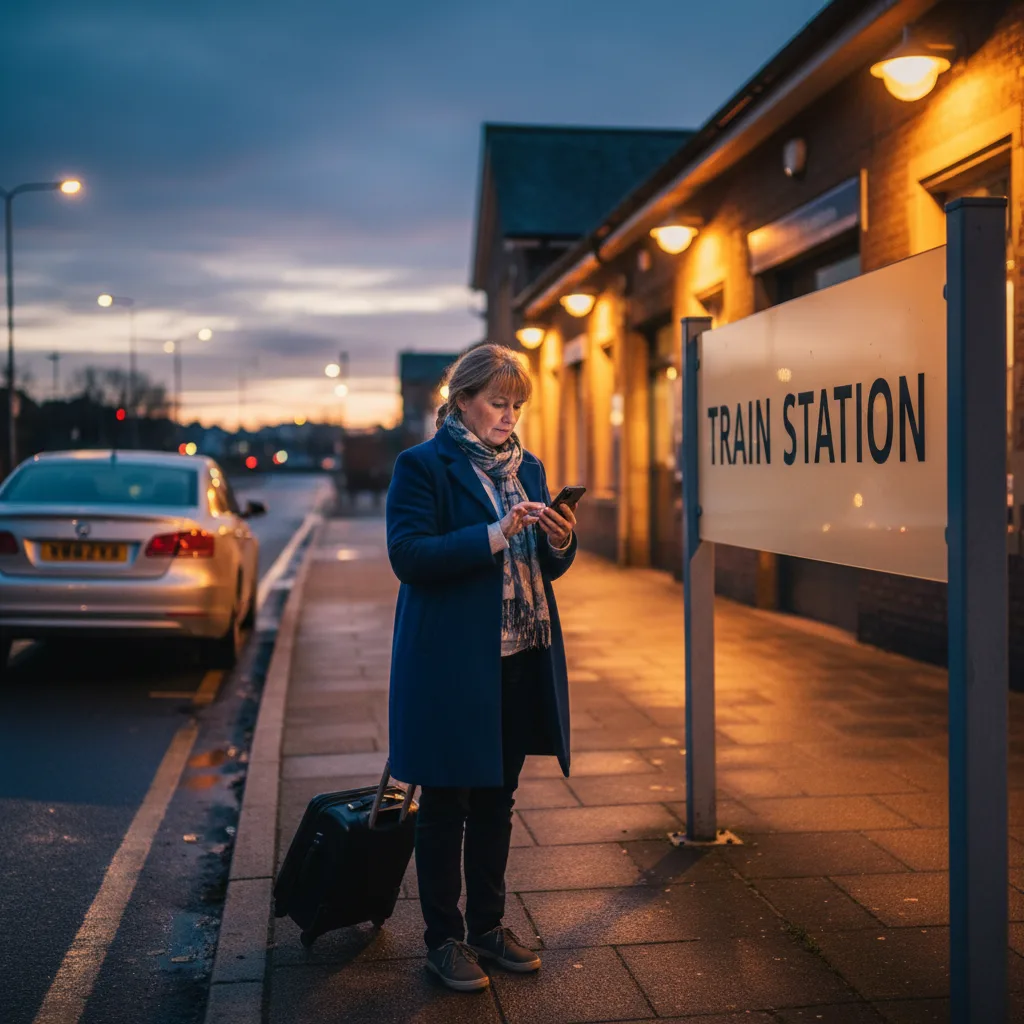
Mrs Patel gets off the 18:42 at Weybridge station. It is drizzling, the queue for the train was bad, and she has a suitcase and a tired six-year-old with her. She picks up her phone and taps the number saved under “local cab”. Somewhere in an office 400 metres away, a phone rings.
Ninety seconds later, a driver pulls up at the kerb in front of her. In between those two moments, a dispatch system has done a handful of unglamorous but essential jobs. This post walks through exactly what happens in those 90 seconds. If you have ever wondered where the magic actually sits, this is it.
Stage One: The Phone Rings
Mrs Patel’s call lands in the firm’s office. The call handler, Sarah, picks up within three rings. Her headset is already on and her dispatch screen is open. It is 18:50 on a Thursday, which is a moderate peak, not the chaos of a Friday.
“Local Cabs, Sarah speaking.” Mrs Patel says she needs a car from Weybridge station to her home in Oatlands Village. Sarah pulls up the fare card already half-typed, because she has seen the caller ID before and the system has auto-populated the customer record. The postcode is prefilled.
A modern dispatch system recognises the caller’s phone number, pulls the address book, and puts the most likely home address at the top of the destination field. Sarah saves 20 seconds on every repeat customer. Across a 200-call shift, that is over an hour of handler time.
Stage Two: The Booking Goes Into the System
Sarah confirms the pickup (“Weybridge station, platform one side, by the ticket barrier”), the drop-off (“Pinewood Close, Oatlands”), the vehicle type (“a standard saloon is fine”), and the time (“as soon as possible”). She reads the fare back to Mrs Patel: “That is £14 to that postcode, cash or card in the car. Do you want me to text you when the driver is two minutes away?”
The dispatch system has done several things while Sarah was speaking. It geocoded the pickup to precise coordinates (the kerb outside Weybridge station, not the station building as a whole). It calculated the fare based on the firm’s zone rules. It checked whether any vehicle type restrictions apply (minibus, wheelchair accessible, airport-approved). It reserved a temporary job slot in the queue.
Sarah hits the Book button. The job is now in the queue, flagged as “unassigned”, waiting for a driver. Elapsed time since Mrs Patel pressed dial: 45 seconds.
Stage Three: The Software Picks a Driver
This is the clever bit. The dispatch platform now decides which of the 22 drivers on duty should get this job. It is not a simple “nearest” calculation. Several factors get weighted together.
- Distance to pickup. Straight line and approximate road distance.
- Driver status. Free, on break, mid-job. A driver on a job but finishing in three minutes might be offered this one on a “soft hold”.
- Vehicle type. Does the job need a saloon, an estate, an MPV, a wheelchair-accessible vehicle?
- Driver preferences. Some drivers opt out of airport jobs. Some only want pre-bookings.
- Fair distribution. Good platforms rotate work so one driver does not hog all the short, high-tip jobs while another sits idle.
- Historical performance. A driver who has declined the last three jobs might be skipped.
The winner is Raj, two streets away, free for the last four minutes. The system offers him the job. On his phone, an alert buzzes.
Stage Four: The Job Lands on the Driver’s Phone
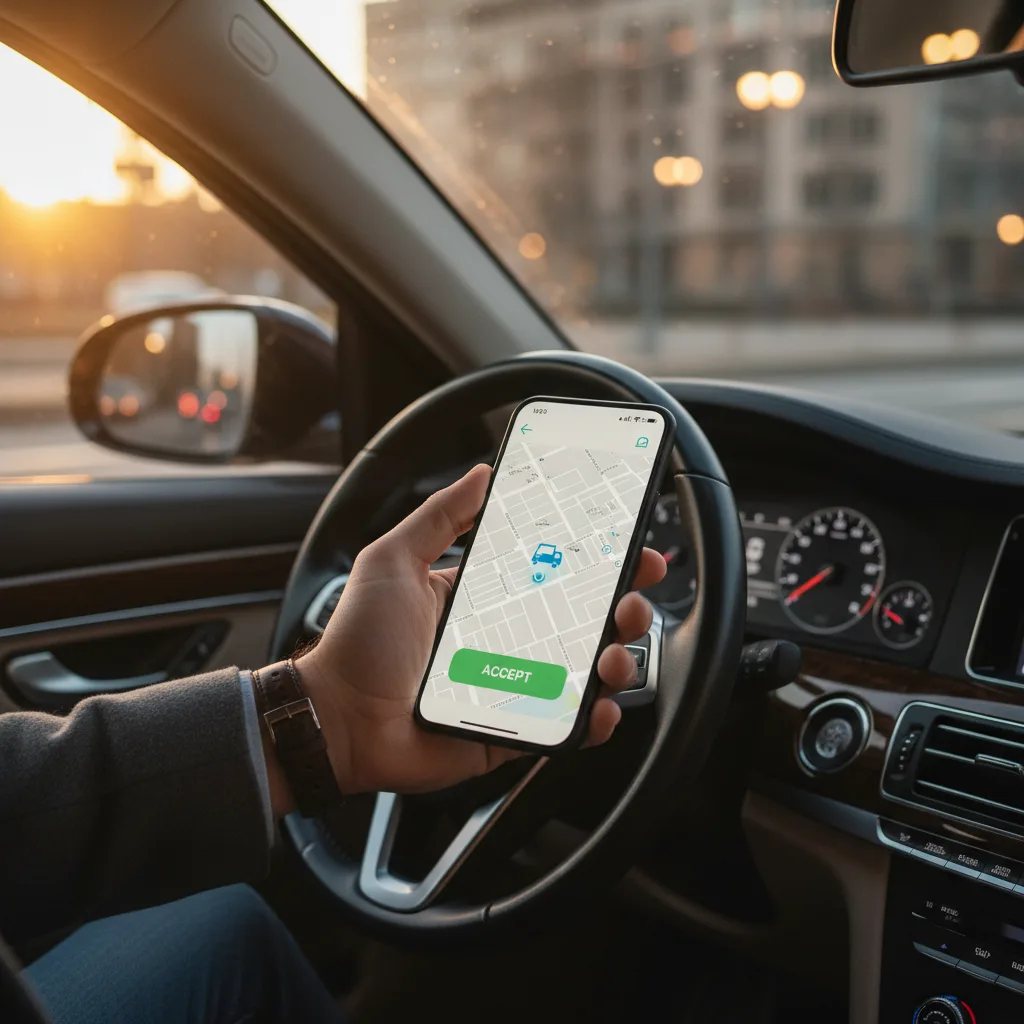
Raj is parked up on a side street after dropping off a job at the Premier Inn. His driver app shows a job offer: pickup Weybridge station, drop-off Oatlands, fare £14, distance 1.2 miles, estimated travel time seven minutes. Accept or decline?
Raj has 10 seconds to decide. That is a deliberate design choice. A dispatch platform gives drivers enough time to read the offer but not enough to start cherry-picking. If Raj declines, the system offers the next-best driver. If Raj accepts, the job is locked to him, the passenger gets an SMS confirming the driver is on the way, and the dispatcher can see on their screen that the job has moved from “unassigned” to “assigned: Raj, vehicle 47”.
Raj taps accept. His app switches to navigation mode and shows the fastest route to the pickup. Elapsed time since Mrs Patel pressed dial: 70 seconds.
Stage Five: On Route to Pickup
Raj sets off. His app is now reporting his location back to the dispatch system every few seconds. That live location feeds two places. The dispatcher’s map, where Sarah can see the car moving toward the station. And Mrs Patel’s tracking link, which she got via SMS a few seconds ago.
Mrs Patel is now standing at the top of the ticket barrier, watching a dot move on a map on her phone. It is reassuring in a way that hearing “he will be about five minutes” never quite is. She knows where the car is, she knows when to walk out to the kerb, and she knows that if the car gets stuck in traffic she will not be left wondering.
Tracking is one of the unsung wins of modern dispatch. It reduces passenger anxiety, cuts missed pickups, and makes the firm feel as modern as Uber without an app.
Stage Six: Pickup
Raj pulls up at the kerb. His app shows a “driver arrived” button, which he taps. This does two things. It sends an SMS to Mrs Patel saying her driver is outside. It also starts the wait-time clock, in case the passenger takes longer than expected to come out. Most firms have a five-minute free wait, then a small charge per minute.
Mrs Patel walks out. Raj helps with the suitcase. The car is clean, the dashboard shows the booked pickup address, Raj has a visible driver ID. Three small reassurances that app companies struggle to replicate.
Raj taps “pickup confirmed” on his app. The job status updates. Mrs Patel is in the car. Elapsed time since she pressed dial: 92 seconds.
Stage Seven: The Journey
The platform keeps logging during the journey. Start time, route taken, stop times. The data forms the record for the fare. If there is ever a dispute, it is there.
Mrs Patel chats briefly with Raj about the traffic. Her six-year-old falls asleep against her arm. Back in the office, Sarah has already taken two more calls.
Stage Eight: Completion
Raj pulls into Pinewood Close. He taps “arrived”. Mrs Patel pays the £14 on her card. Raj taps “completed” on his app. Three things happen on the platform in the background.
- The job is written to the firm’s ledger. Revenue £14, driver share calculated, VAT treated correctly.
- An SMS goes to Mrs Patel. “Thanks for choosing us. Reply with a rating from 1 to 5.”
- Raj is marked available again. Within seconds, the next job offer can land on his screen.
From phone call to completed journey, the firm’s dispatch platform has handled geocoding, fare calculation, driver selection, live tracking, passenger messaging, and accounting. All of it without Sarah touching her keyboard after the initial booking. That is what good dispatch looks like.
Where Your Website Fits Into This
Mrs Patel rang Sarah. A lot of passengers do. But more and more of them skip straight past the phone and book on your website. When that happens, the dispatch system needs to do the same job, but without the call handler in the middle.
A proper website booking form does exactly what Sarah did. It geocodes the pickup. It calculates the fare. It captures the passenger’s phone number and name. Then it submits the booking directly to the dispatch platform via API. Sarah does not need to re-key anything. The job appears in the queue and the exact same stages three to eight play out.
A bad website booking form does something worse. It captures the booking, emails it to the office, and waits for someone to read the email and retype it. Now we are 7 minutes into the journey before Raj’s phone even buzzes. Mrs Patel has opened Uber. The firm has lost the job.
What Dispatch Cannot Do for You
Dispatch software is not magic. It will not increase demand. It will not make your pricing more competitive. It will not train your drivers to be polite. What it will do is make sure that when a job comes in, it gets to the right driver as fast as possible, with correct information, and with a full audit trail at the end.
For the demand side, you need a website that ranks and converts. For pricing, a fare calculator that shows a price on the screen. For driver training, that is your job as a firm owner. Dispatch is the plumbing. Everything upstream of the booking is marketing and operations.
The Same Story, Four Platforms
The flow above is essentially the same on all four of the main UK dispatch platforms. iCabbi, Autocab, Cordic, and TaxiCaller all handle the same stages. What differs is polish, per-vehicle cost, and how quickly the customer portal and driver app feel. The icabbi.com product pages and autocab.com both lay out the lifecycle if you want the vendor version.
| Stage | iCabbi | Autocab | Cordic | TaxiCaller |
|---|---|---|---|---|
| Caller ID recognition | Yes | Yes | Yes | Yes |
| Auto geocoding | Strong | Strong | Good | Good |
| Live fare calculation | Yes | Yes | Yes | Yes |
| Driver app offer and accept | Yes | Yes | Yes | Yes |
| Passenger tracking link | Yes | Yes | Yes | Yes |
| Website booking handover | API-based | API-based | Webhooks plus API | API-based |
Your job as a firm owner is to pick the platform that suits your size, and then make sure your website talks to it properly. For the detailed head-to-head, see our taxi booking system comparison and the broader dispatch integrations guide.
Your Move This Week
You do not need to become a dispatch expert this week. You need to check that the 60-second journey above actually works for your own firm. Three small tests, about 20 minutes.
- Ring your own office as a mystery caller. Time the answer. Time the booking. Time the driver arrival. Anything over three minutes from dial to driver assigned needs a look at.
- Book through your website as a mystery caller. Does the booking land in the queue automatically, or does someone have to retype it? If it is the second, you have a handover problem.
- Request a free booking funnel audit. We will run the 60-second flow on your site and your dispatch setup and tell you where it is breaking. Request your audit here.
For pricing on a website rebuild that plugs properly into iCabbi, Autocab, Cordic, or TaxiCaller, see the pricing page. For live UK examples with real dispatch handovers, see the portfolio. The services page breaks down what is included at each tier.
For the ICO’s current guidance on processing personal data (names, phone numbers, addresses) during a booking, the gov.uk data protection guidance is a short, worthwhile read. Dispatch and website both handle data. Both need to meet the standard.
Mrs Patel’s journey from Weybridge station to Oatlands is the story of thousands of taxi bookings every day. The firms that get those 90 seconds right fill more cabs, keep more drivers busy, and keep more of the fare. Your dispatch platform is the plumbing that makes it work. Your website is the front door. Both matter.